Company town halls
Translate leadership context, Q&A, and next steps so global teams can follow the full update.
Keep company updates, training, and partner conversations understandable across languages with live translated audio and captions.
Start a browser-based session, share a link or code, and let participants choose an available language.

A meeting host brings clear speech into a session. Colleagues open a link or code in their browsers, choose an available language, and follow the same conversation through audio or captions.
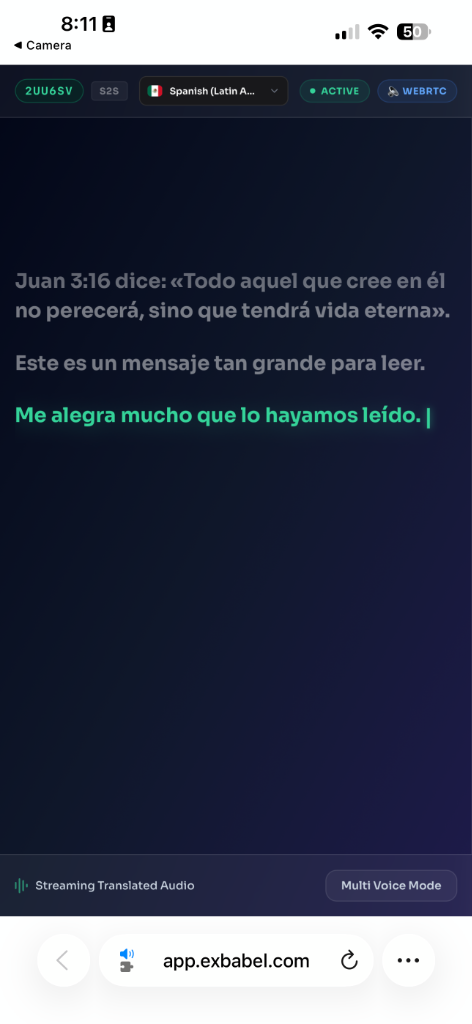
The illustration shows how a single spoken update becomes a listener experience while the team stays in one meeting.
See the setup steps“Let's move forward together.”
Avançons ensemble.
Think of an all-hands update where a new policy, deadline, or strategy is explained once and acted on by teams in several countries. Colleagues who spend the meeting decoding unfamiliar words have less room to ask questions and connect the decision to their work.
Exbabel offers a browser-based language path for spoken company updates, training, onboarding, and partner briefings. The host sends clear speech from a computer; participants open a shared link or code and choose an available language for translated audio or captions.
Treat language access as part of meeting preparation. Identify the decisions people must understand, test terms and names with fluent colleagues, and follow the live conversation with written takeaways. The technology supports participation; your team still owns clarity and the final record.



A practical path for meetings and internal events.
Use the host computer microphone or a suitable mixer and audio interface.
Set the source and available target languages; test real meeting terms.
Share a link, QR code, or session code. People join in a browser and choose an output.
One spoken update can reach colleagues through the language channel that helps them follow.
Translated audio and live captions offer different ways to follow the same meeting. Confirm supported modes for your priority languages.
The best meeting is the one people can participate in, not just attend.
An Exbabel point of view
Use live translation where people need to understand a change, learn a task, or ask a better question.
Translate leadership context, Q&A, and next steps so global teams can follow the full update.
Support live demonstrations while learners read or listen in an available language.
Help regional partners follow a presentation, ask timely questions, and confirm commitments afterward.
Offer the same browser-based language access to colleagues in a room and those joining remotely.
These examples show how a team could use language access at work. They are illustrative scenarios, not customer case studies or measured results.
The situationLeadership explains a change to teams in several regions. The audience needs more than a translated headline: they need to follow the context, the questions, and the next steps.
The planThe host tests the speech feed, shares language access before the meeting starts, and pauses for questions after each major topic. A written recap records the final decisions.
What becomes possibleColleagues can follow the live explanation in an available language and leave with the same written action list.
The situationA trainer is demonstrating a workflow while new employees are learning unfamiliar systems, acronyms, and team names. Translating every sentence mentally competes with watching the demonstration.
The planThe training team rehearses terminology, provides a glossary and written steps, then offers live audio or captions as the trainer walks through the task.
What becomes possibleLearners have another way to keep up with the demonstration and can return to the written instructions afterward.
The situationA product team is presenting a roadmap to regional partners. Questions arrive quickly and speakers use internal language that may be new to the audience.
The planThe team agrees on plain-language definitions, tests representative terms, and gives partners a browser link before the presentation. The meeting owner confirms commitments in writing.
What becomes possiblePartners can track the presentation and ask for clarification while the discussion is still happening.
AI can mistranscribe names, acronyms, industry terms, and numbers. Rehearse representative speech, check priority languages with fluent colleagues, and confirm decisions in writing.
For confidential or regulated discussions, review your organization's requirements and the current product terms before use. Bring in qualified human language support when precision or judgment is essential.
Answers for meeting hosts, team leads, and operations teams.
This page covers live translation of spoken business meetings, training, and presentations. Exbabel is not a certified document translation service.
Yes. Participants join in a compatible browser on a phone, tablet, or computer with internet access. No app download is required.
Exbabel can provide translated audio and live written captions in supported languages. Voice and caption language coverage differ; confirm the modes for your planned session.
A host can route a clear meeting speech feed into a computer input. Setup depends on your conferencing tool and audio routing. Test it with participant devices before the meeting.
Check your organization's privacy and retention requirements against the current product terms. For legal, medical, safety-critical, or highly nuanced discussions, use qualified human language support where appropriate.
Test the microphone and internet connection, identify priority languages, rehearse technical terms and names, and provide written materials for key instructions.
See how Exbabel can support the spoken moments that matter to your team.
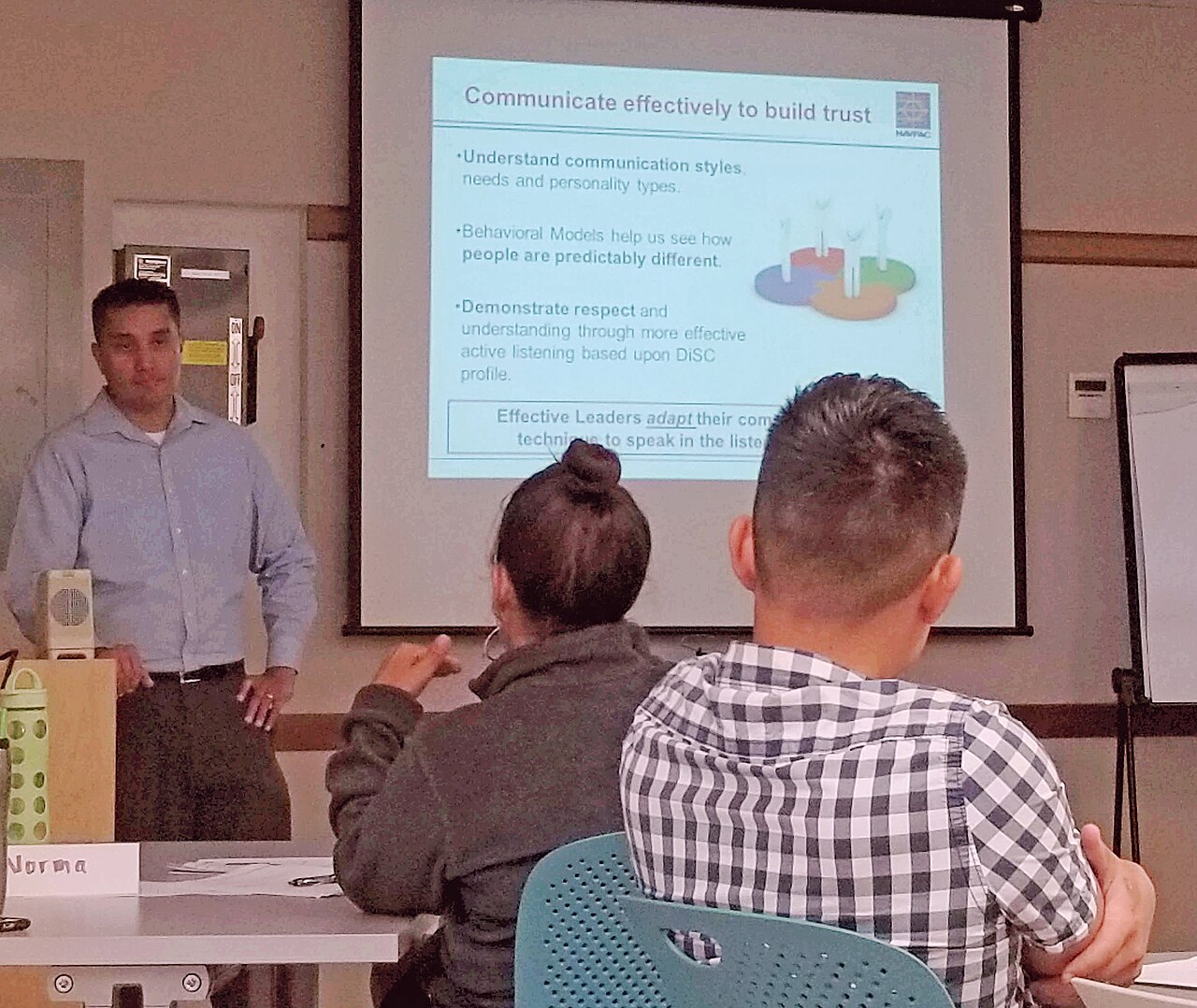
Book an Exbabel demoStock photographs illustrate event and work settings; they do not depict Exbabel customers.