Industry conferences
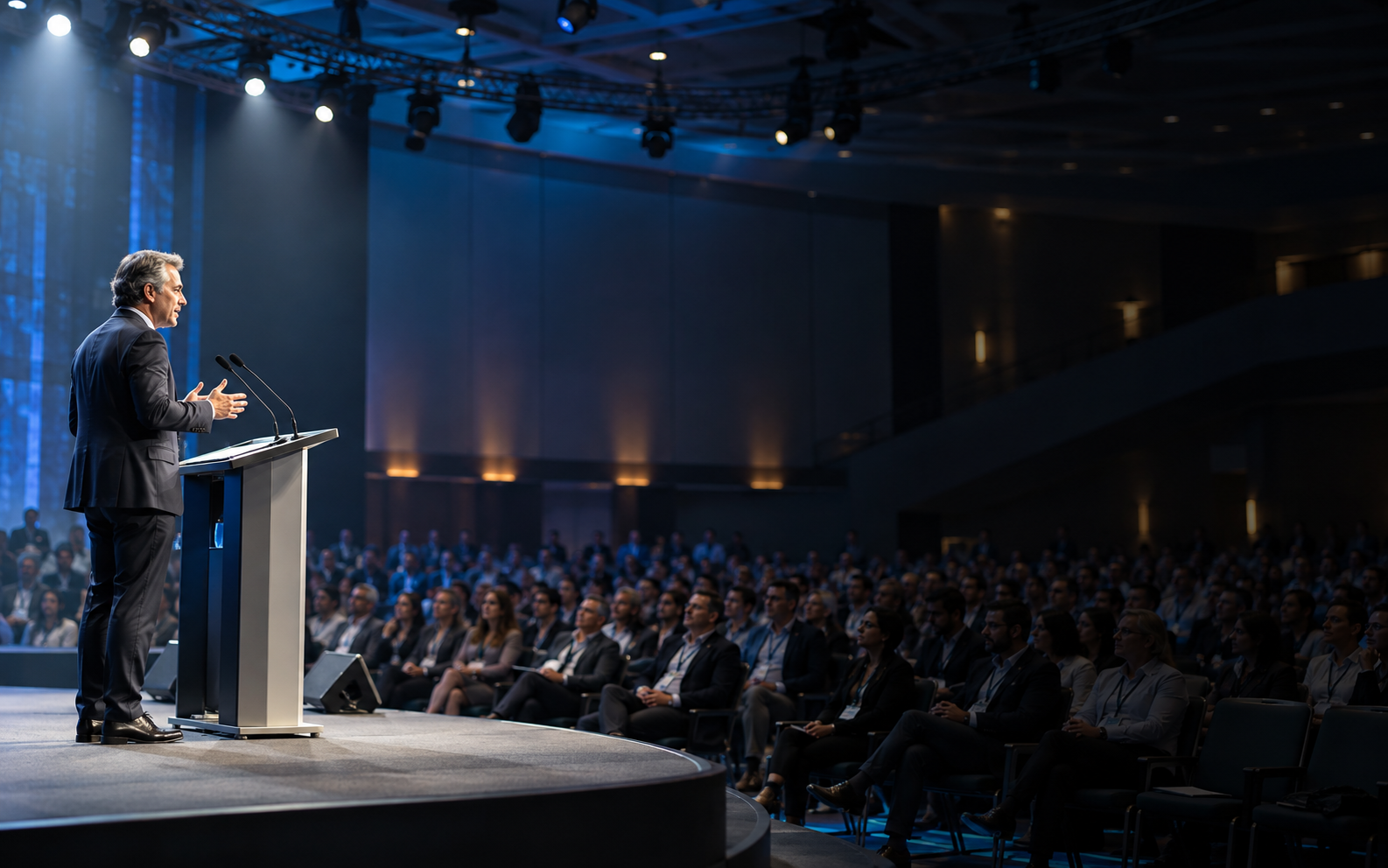
Give international delegates a way into product launches, research talks, sponsor sessions, and executive keynotes.
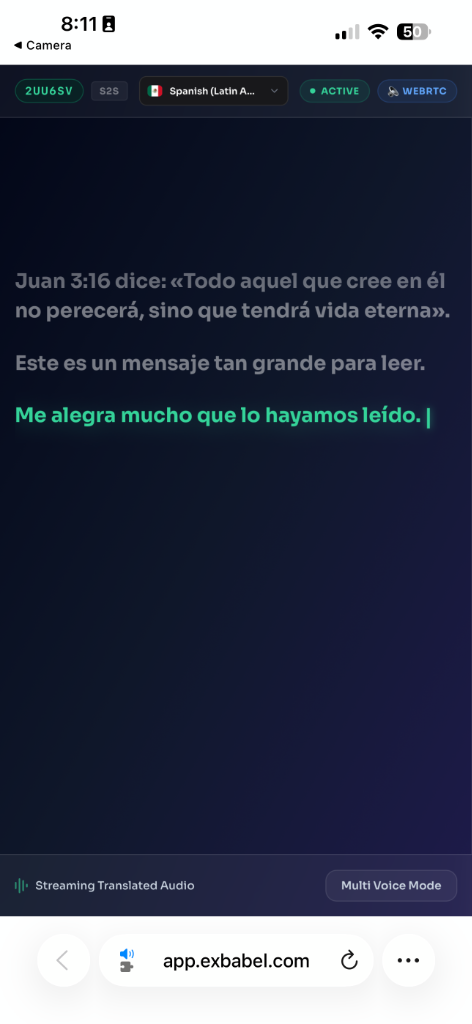
From a conference keynote to a church leadership gathering, help every guest follow the moment with translated audio and live captions on their own device.
Share a QR code or link. Guests join in a browser, with no app download.
The production team sends one clean stage feed into a hosted session. Guests open the event link, choose an available language, and follow translated audio or captions on their own devices.
The illustration shows the host and listener sides together so planners can see how the setup and attendee experience connect.
See the setup steps“Welcome to the conversation.”
Bienvenidos a la conversación.
Picture the opening keynote: guests have traveled from different countries, the speaker is on stage, and everyone is meant to share the same idea at the same time. If only one language is available, some people miss the point while they work to translate it for themselves.
Exbabel takes a clear live speech feed and makes translated audio and captions available through a browser. Your team hosts the session, places a QR code or link where guests will see it, and lets each person choose an available language. The same path can support a main-stage talk, a moderated panel, a church conference, or a hybrid presentation.
Plan the language experience as part of the run of show. Check your priority language pairs, feed the host computer clean audio, and rehearse names, scripture references, product terms, or industry acronyms with a fluent reviewer before doors open.

A simple signal path your AV team can rehearse, cue, and repeat throughout the program.
Route a clean microphone or mixer output to the host computer through a compatible input.
Choose source and target languages, then test the signal and representative words.
Display a QR code or link. Guests join and choose an available language.
Speakers stay on stage while guests choose how to follow the live feed.
Guests can use translated audio or live captions where their chosen language supports it. Voice and caption coverage differ.
A great event is shared in the room. Understanding should travel with it.
An Exbabel point of view
Build access into the agenda where guests need to understand, respond, or carry a message home.
Give international delegates a way into product launches, research talks, sponsor sessions, and executive keynotes.
Help guests track speaker changes, questions, and fast discussion when a moderator keeps the conversation moving.
Support multilingual teaching, leadership gatherings, mission events, and shared announcements.
Share the same browser link with people in the room and joining remotely.
These examples show how a producer could build translation into an agenda. They are illustrative scenarios, not customer case studies or measured results.
The situationA conference draws delegates, speakers, and sponsors from several countries. Everyone is seated for the same headline talk, but the presentation language is familiar to only part of the audience.
The planThe AV lead sends a clean stage feed to the host computer, tests the selected language channels during rehearsal, and puts the joining QR code on the opening slide and printed program.
What becomes possibleA guest can choose translated audio or captions in an available language and follow the main message without leaving the auditorium.
The situationPastors and volunteers from different language communities gather for worship, teaching, and workshops. The message includes names, references, and terms that need special care.
The planThe team rehearses with representative speakers, checks scripture references and names with fluent reviewers, and keeps a human interpreter for pastoral or highly nuanced moments when needed.
What becomes possibleAttendees have a clearer path into the teaching while the event remains one shared gathering.
The situationA nonprofit summit combines on-stage talks, a panel, and remote participants. The producer needs a repeatable way to introduce language access at each changeover.
The planThe run of show includes a brief language-access cue, a tested speech feed for each format, and a link shared both on screen and in the remote event chat.
What becomes possibleGuests can rejoin the language channel as the program moves from keynote to panel, with fewer instructions for the production team to repeat.
AI translation can mishear names, acronyms, accents, and technical terms. Include representative speakers and a fluent reviewer in your rehearsal.
For legal, medical, safety-critical, or highly nuanced content, use a qualified human interpreter or an approved backup where appropriate.
Practical answers for planners, producers, and AV teams.
Live event translation converts a speaker's speech into another language while the event is happening. Exbabel provides translated audio and written captions in supported languages through a browser-based attendee experience.
No. Attendees use a compatible phone, tablet, or computer with internet access and open the event's QR code or link.
The host needs a computer, supported browser, reliable internet connection, and clear speech input. A venue mixer can feed the computer through a compatible audio interface. Test the full signal path before the event.
Exbabel offers AI-translated audio and captions for live conference speech. It differs from a human interpreter in a booth. Use a qualified interpreter when exact nuance or active judgment is essential.
Guests can choose available languages and supported output modes. Spoken voice and caption language coverage differ, so confirm your target languages during planning.
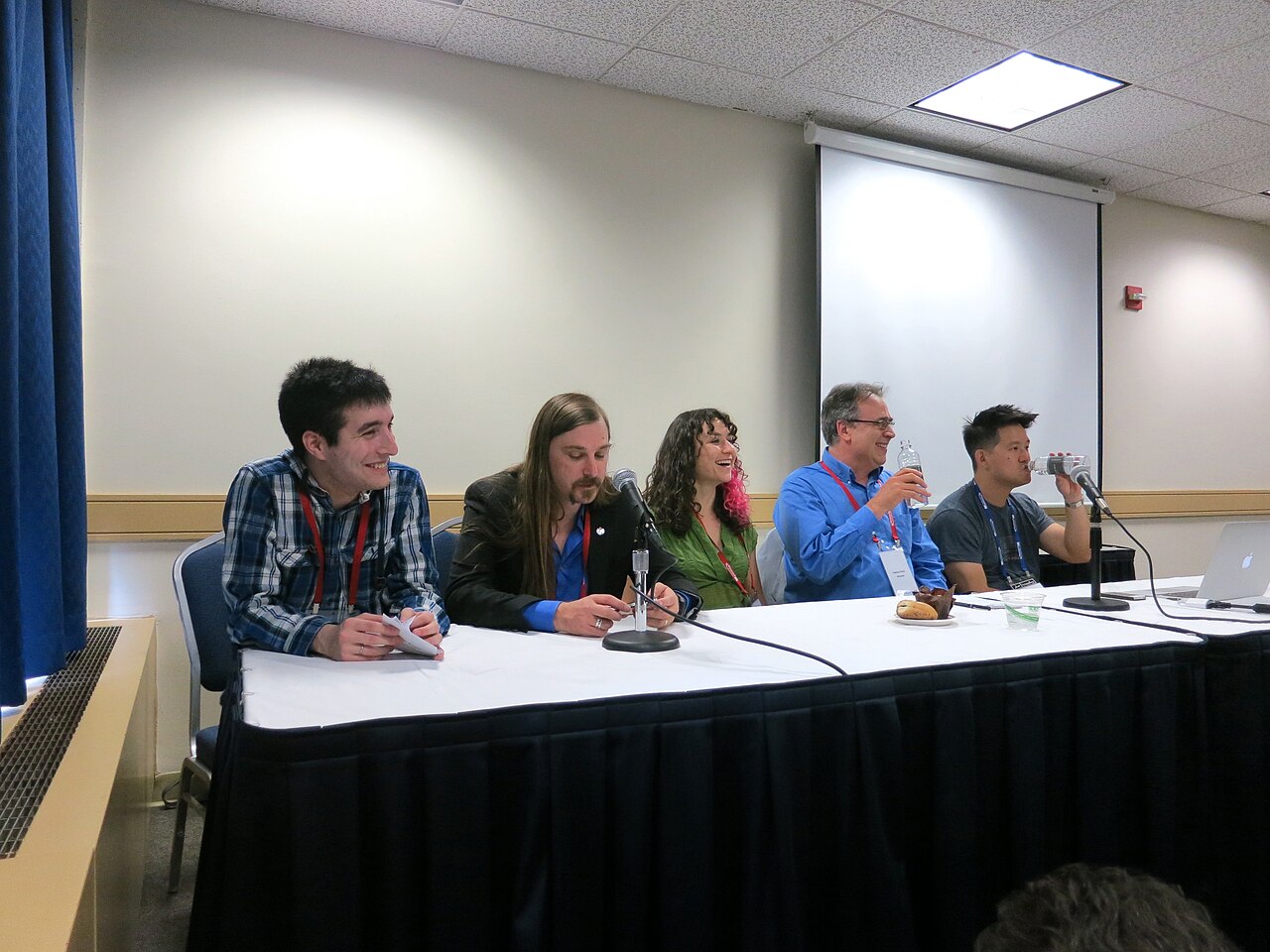
Feed the panel microphones into a clean mixer output, rehearse speaker changes, and test names, accents, and specialist terms with a fluent reviewer.
Bring your event format, venue audio path, expected audience, and priority languages to an Exbabel demo.
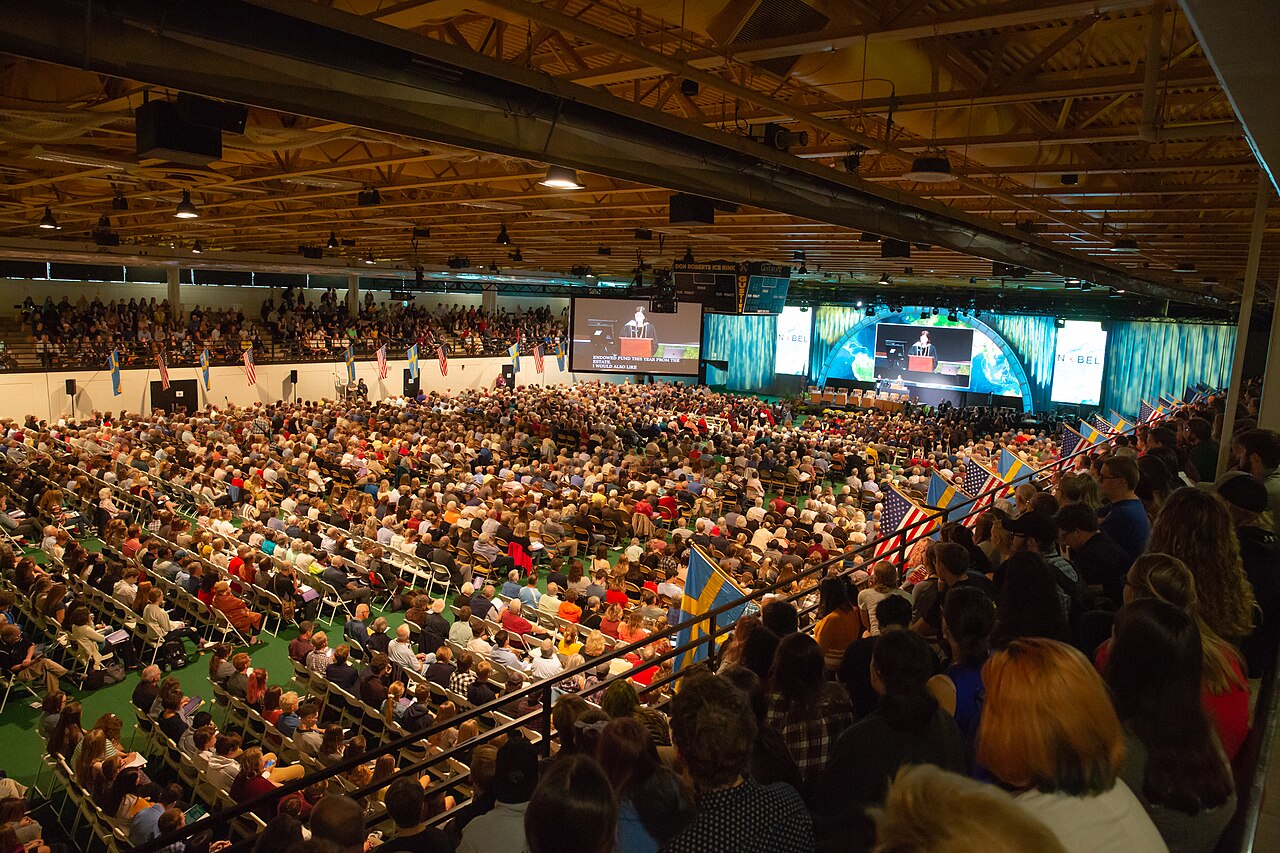
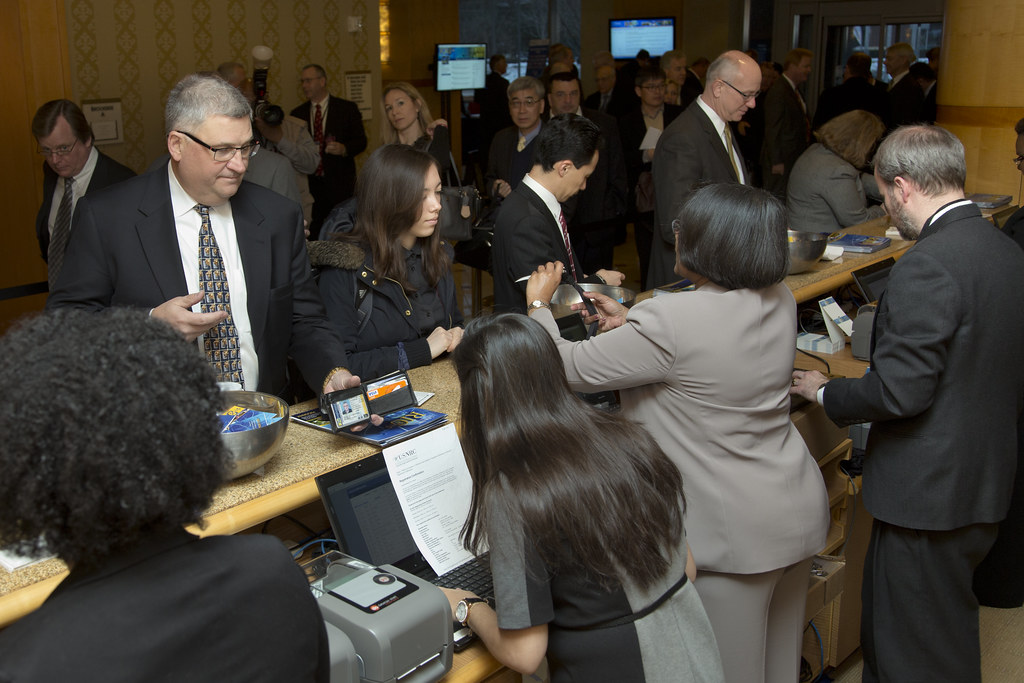
Book an Exbabel demoStock photographs illustrate event and work settings; they do not depict Exbabel customers.